GoPro Underwater Settings
Best Underwater GoPro Settings for HERO10, HERO11, HERO12 and HERO13
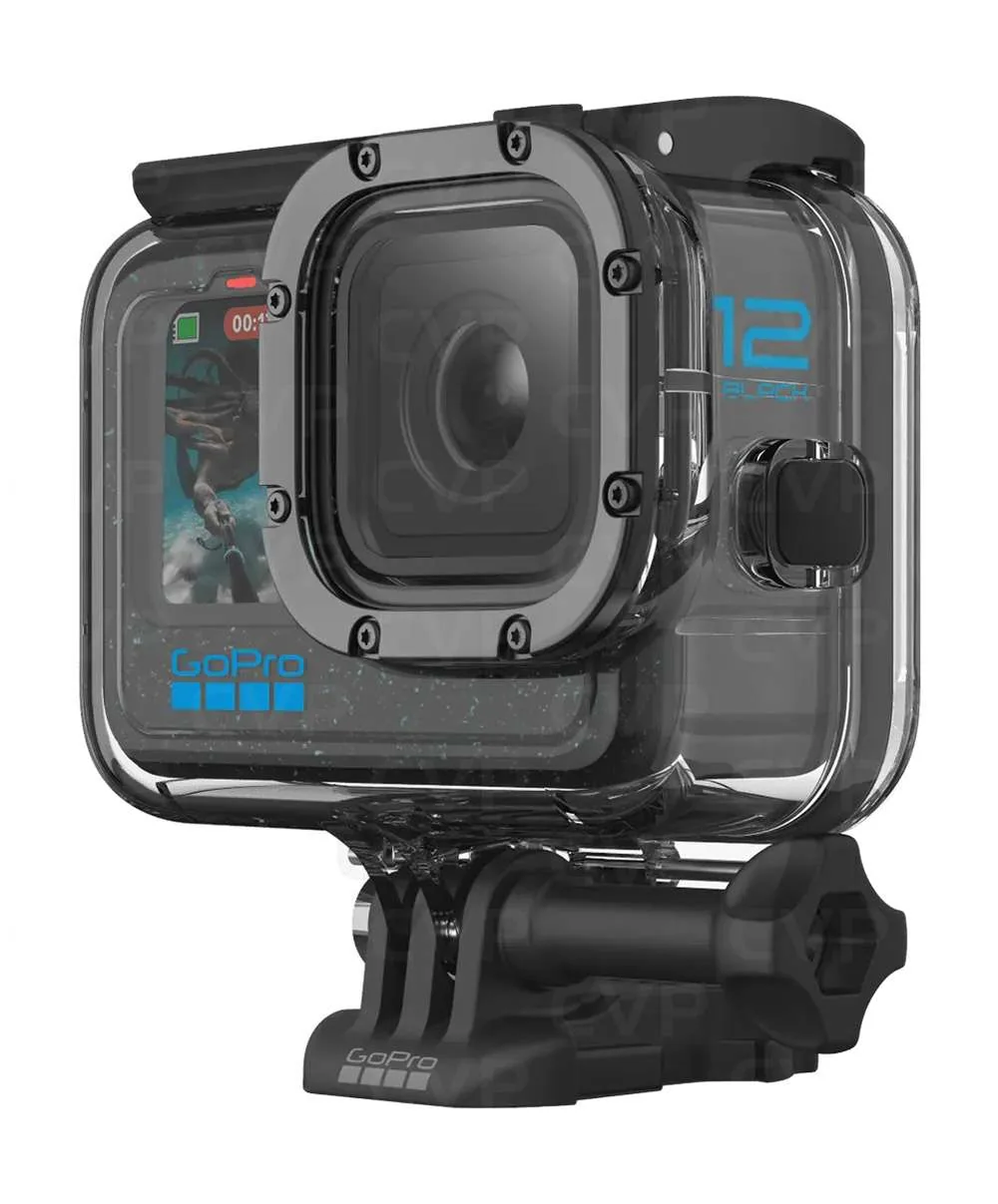
A GoPro is a very useful companion camera underwater, especially when it is mounted on the cold shoe of an OM System PT-059 housing. The TG-7 can handle still photographs, while the GoPro records wider video of the dive, reef scenes, divers, wrecks and larger marine life.
Why Use a GoPro Underwater?
The GoPro HERO10, HERO11, HERO12 and HERO13 are all capable of producing strong underwater video when used sensibly. They are small, easy to mount and wide enough to capture reef scenes, dive buddies, swim-throughs and general dive memories without needing a separate large video rig.
For our setup, the GoPro works best as a secondary camera. Mounted on the cold shoe fitting of the PT-059 housing, it can quietly record the wider story of the dive while the TG-7 is used for more deliberate still photography.
Recommended Starting Settings for Most Dives
| Setting | Recommendation |
|---|---|
| Resolution | 4K |
| Frame rate | 60fps in bright tropical water, 30fps in darker water |
| Lens | Wide or Linear, depending on the look you prefer |
| Stabilisation | HyperSmooth On |
| Bit rate | High |
| White balance | Auto to start |
| Colour profile | Natural |
| Sharpness | Low or Medium |
| ISO Min | 100 |
| ISO Max | 400 to 800 in bright water, 1600 in darker water |
| EV Compensation | 0 to start |
Why 4K Is Usually the Sweet Spot
Although some GoPro models can record at higher resolutions, 4K is usually the most practical choice for diving. It gives excellent image quality, manageable file sizes, easier editing and enough resolution for YouTube, Instagram, travel films and family viewing.
Higher resolutions can be useful if you want to crop heavily in editing, but they also create larger files, use more storage and can reduce battery life. For most divers, consistent 4K footage is more useful than occasional very high-resolution clips that are awkward to edit.
Frame Rate: 60fps or 30fps?
Use 60fps when the water is bright and clear. It gives smoother movement and lets you slow footage down slightly in editing. This is ideal for tropical diving, reef scenes, divers swimming past, mantas, turtles and general travel footage.
Use 30fps when the light is poor. This gives the camera more light per frame and is usually better for UK diving, late afternoon dives, deeper reef dives and lower visibility conditions.
Best Settings for Tropical Water
| Setting | Value |
|---|---|
| Resolution | 4K |
| Frame rate | 60fps |
| ISO Max | 400 or 800 |
| White balance | Auto |
| Colour | Natural |
| Stabilisation | HyperSmooth On |
In places such as Raja Ampat, Anilao, Ambon and Lembeh, start with 4K 60fps and keep ISO as low as practical. The cleaner the ISO, the cleaner the blue water and reef detail will look.
Best Settings for Darker or UK Water
| Setting | Value |
|---|---|
| Resolution | 4K |
| Frame rate | 30fps |
| ISO Max | 800 to 1600 |
| White balance | Auto |
| Colour | Natural |
| Stabilisation | HyperSmooth On |
Darker water is where many GoPro clips start to look noisy or flat. Reducing the frame rate to 30fps helps, but the real answer is to stay close, keep the camera steady and avoid filming subjects that are too far away.
Photo Settings
A GoPro can take useful underwater stills, but it is not a replacement for a dedicated underwater stills setup. Use it for wide scenes, buddy shots, boat moments, surface intervals, wrecks and general memories.
| Setting | Recommendation |
|---|---|
| Photo mode | Standard or SuperPhoto |
| RAW | On if you plan to edit properly |
| Lens | Wide |
| White balance | Auto |
| ISO Max | 400 to 800 |
Using a GoPro in an Underwater Housing
Even though GoPros are waterproof, for scuba diving we prefer using a proper underwater housing. It gives more protection, better confidence around saltwater, and makes the camera easier to mount securely to a tray or housing system.
A housing is also sensible when the camera is attached to the PT-059 cold shoe. It protects the GoPro from knocks on boats, ladders, rinse tanks and crowded camera tables.
Mounting a GoPro on the PT-059 Cold Shoe
Mounting the GoPro on top of the PT-059 housing is a practical travel setup. It keeps everything together and allows the TG-7 and GoPro to do different jobs during the same dive.
- The TG-7 is used for still photographs and close-focus subjects.
- The GoPro records wide video and general dive footage.
- The combined setup remains compact and easy to travel with.
- You avoid carrying a separate video tray for casual dive footage.
The main thing to watch is camera angle. A GoPro mounted on top of the housing may point slightly differently from the TG-7 lens. Before the dive, check that the mount is level and that the GoPro is not tilted too high or too low.
Red Filters, Lights and Colour
Red filters can help in shallow blue tropical water, especially for simple available-light video. They are less useful in green water, very shallow water, night dives or when using video lights. If you use lights, remove the red filter or the colour can look unnatural.
For casual diving, Auto white balance and Natural colour are a sensible starting point. More advanced users can experiment with flat colour profiles and colour grading, but this adds editing time and is not always worth it for simple travel videos.
Simple In-Water Tips
- Move slowly and keep finning gentle.
- Get close. Water reduces contrast and colour very quickly.
- Avoid chasing marine life.
- Use two hands on the housing when possible.
- Hold shots for at least 8 to 10 seconds.
- Film short, steady clips rather than long wandering clips.
- Check for bubbles, dangling straps and fingers in the frame.
Common Problems and Quick Fixes
Footage Looks Too Blue
Get closer, stay shallower, use a red filter in suitable conditions or correct the colour during editing.
Footage Looks Noisy
Lower the ISO Max in bright water. In darker water, use 30fps rather than 60fps and avoid filming distant subjects.
Footage Looks Shaky
Keep HyperSmooth on, slow your finning and hold the PT-059 housing with both hands when filming.
Footage Looks Soft
Check the housing lens port for fingerprints, salt marks, bubbles or scratches. Also avoid shooting through too much water.
Recommended Presets
| Preset | Use | Settings |
|---|---|---|
| Tropical Reef | Clear, bright water | 4K 60fps, ISO Max 400 or 800, Wide, Natural |
| Darker Water | UK, deeper or lower light dives | 4K 30fps, ISO Max 800 to 1600, Wide, Natural |
| Social Media | Short clips and reels | 4K 60fps, vertical framing if required, HyperSmooth On |
| Simple Photo | General stills | Wide, Auto White Balance, RAW On if editing |
Final Thoughts
The best GoPro settings underwater are not complicated. Start with 4K, choose 60fps in bright water or 30fps in darker water, keep HyperSmooth on and use Natural colour. More importantly, get close, move slowly and hold the camera steady.
For MacroDivers, the GoPro works best as a wide-angle companion to the TG-7. Mounted on the PT-059 cold shoe, it records the wider dive experience while the TG-7 remains the main tool for still photography and closer subjects.